
Using EasyWaterscape
Example Demo Levels
EasyWaterscape includes several Example Levels to help you get started.
In the Content Browser, in the EasyWaterscape folder, you'll find "Levels-Examples". Each Level is named accordingly to the feature you want to learn more about: CoastMaker, Buoyancy, etc. 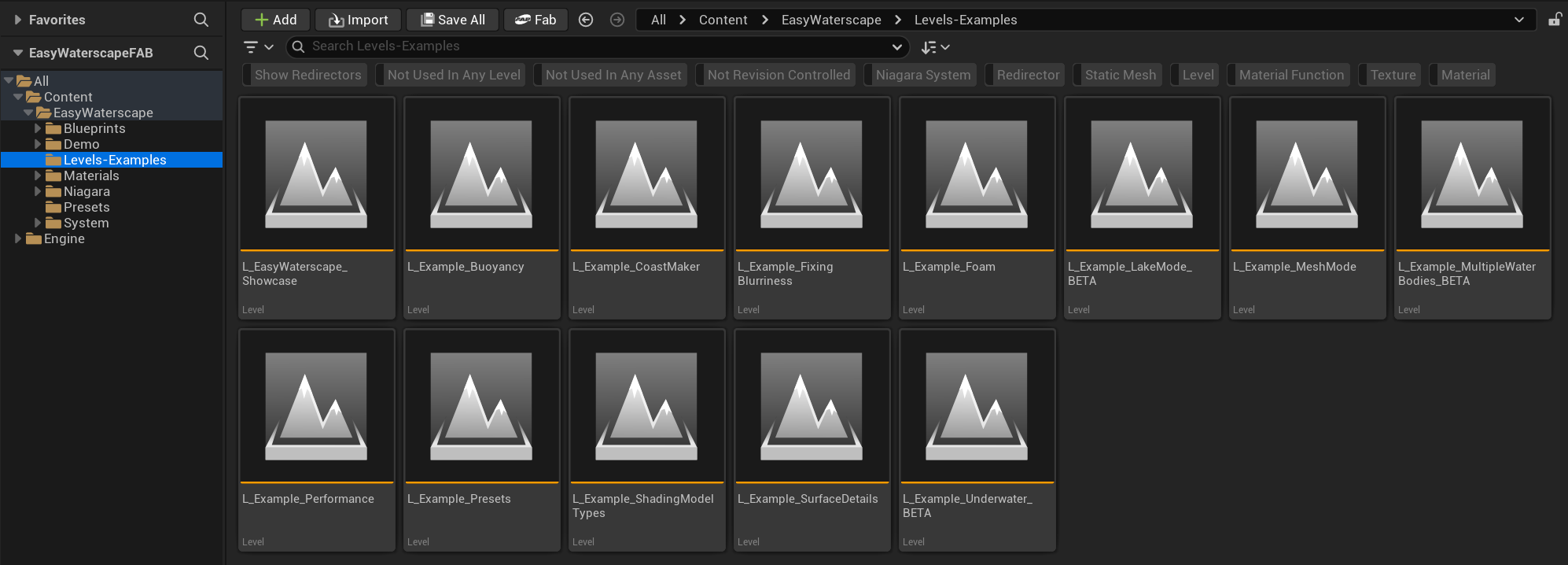
Using EasyWaterscape for the first time
- In order to see the water simulation (and see any changes you make in the details panel), click on the water itself, or, select BP_EasyWaterscape in the outliner.
- In the details panel on the right hand side, click on "Run EasyWater". Alternatively, press "Stop EasyWater" to pause it.
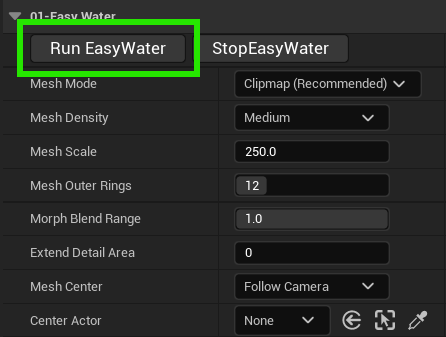
- If you start adjusting sliders on EasyWaterscape, and nothing is happening, be sure to click "Run EasyWater". Nothing will happen if this isn't active/running. At runtime, it will play automatically.