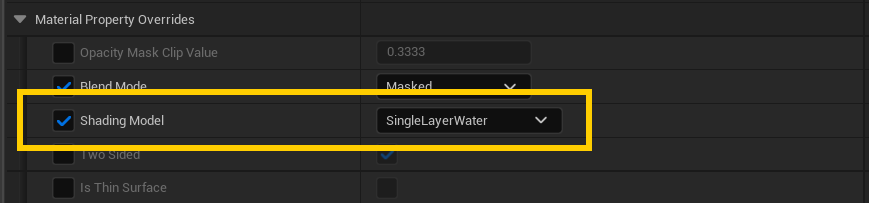
Single Layer Water vs. Default Lit
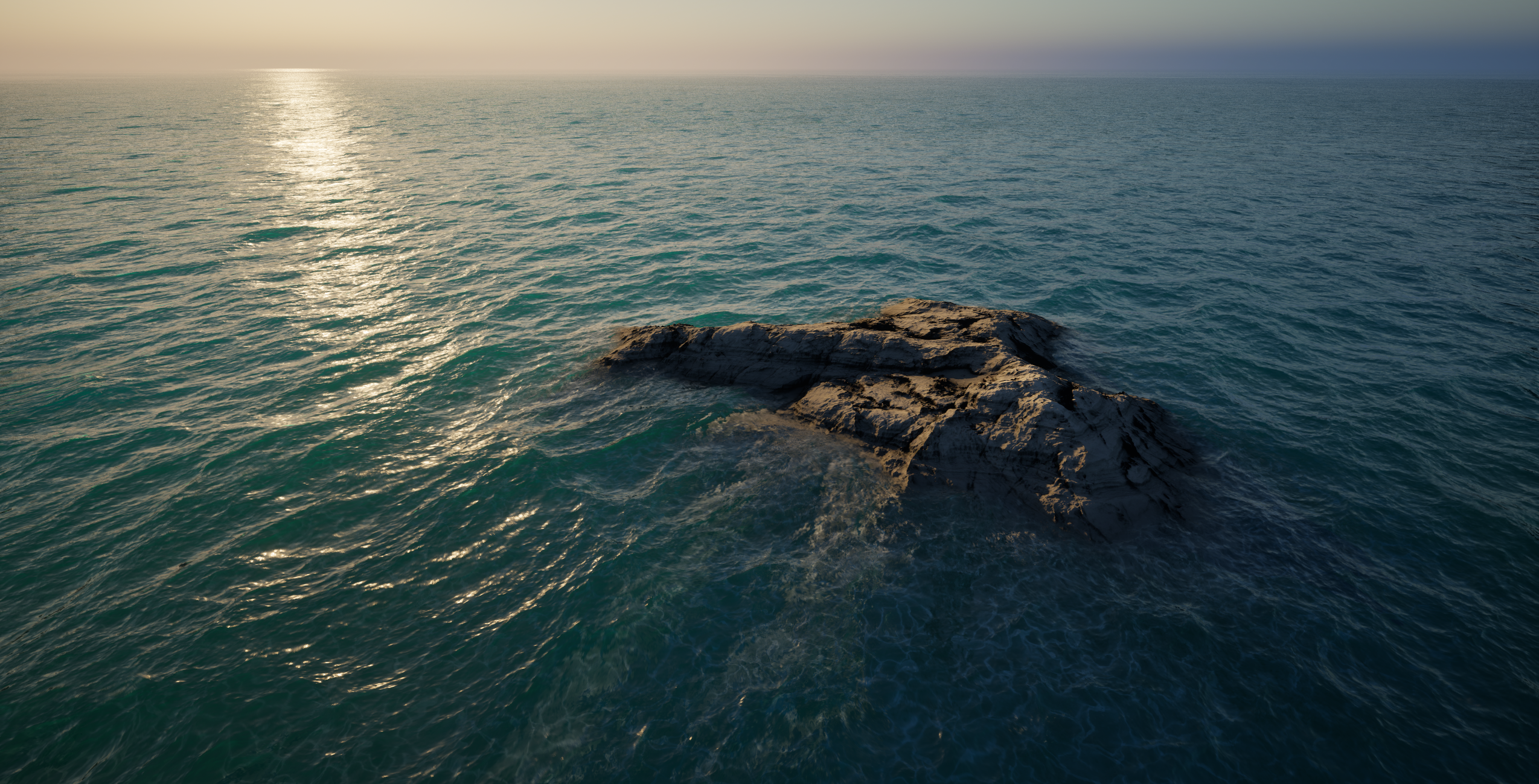
Single Layer Water is the gold standard for water in Unreal Engine and looks fantastic, providing caustics support, refraction, scattering & absorption. But there are a few downsides too:
For starters, it does not self-shadow (meaning waves won't cast shadows onto themselves or break up specular reflections) and secondly, it only casts and receives shadows from the primary directional light. In shots lit by Spotlights or Pointlights, missing shadows can break the illusion as shown here:
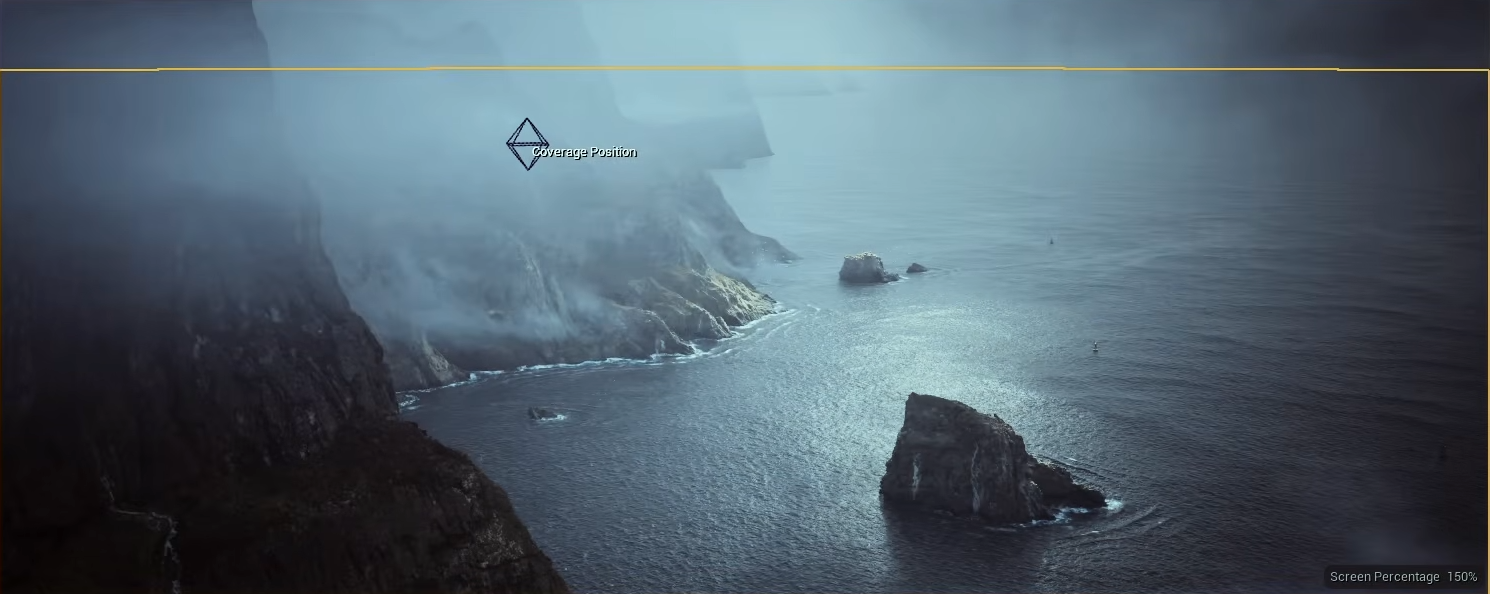
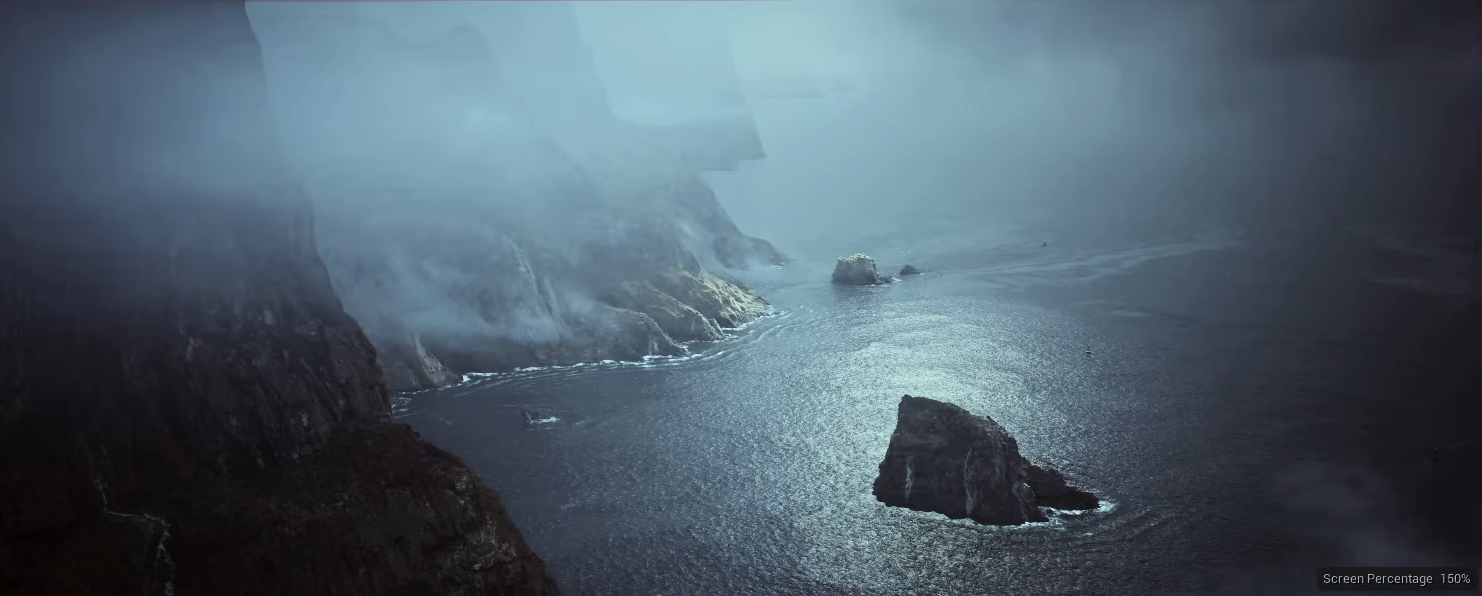
Default Lit works much better in those shots, as long as you don't need the translucency/caustic effects. It suits dark, deep water. Setting Metallic to 1 can improve the look and make things far more realistic as well.
| Feature | Single Layer Water | Default Lit |
|---|---|---|
| Translucency/Absorption/Scattering | ✅ | ❌ |
| Caustics | ✅ | ❌ |
| Shadows from lights other than the primary directional light | ❌ | ✅ |
| Best for | Most shots | Dramatic lighting with local lights; dark, deep water |
Switching shading model
- Open your EasyWaterscape material instance.
- Search for Shading Model.
- Change it suit your needs.